Wallets
Your own two wallets on one screen: an EVM or Solana wallet through WalletConnect, and an HD Bitcoin Cash wallet that supports WizardConnect.
 MetaMask
 Phantom
 Rabby
 Coinbase Wallet
 Selene
 Paytaca
 Cashonize
Your EVM or Solana wallet
Through Reown AppKit: browser wallets and WalletConnect wallets (MetaMask, Phantom, Rabby, Coinbase Wallet and hundreds more connect through it), on Base, Ethereum, Arbitrum, Optimism, Polygon, Avalanche, BNB Chain and Solana. Email and social logins, AppKit's own swaps, on-ramp and analytics are switched off; the modal follows Hashi's light or dark look.
Your Bitcoin Cash wallet
Through WizardConnect, the Bitcoin Cash wallet protocol, which these wallets connect through: Selene (iPhone, Android), Paytaca (phones, browser), Cashonize (web, desktop) and Electron Cash (desktop plugin). HD wallets only.
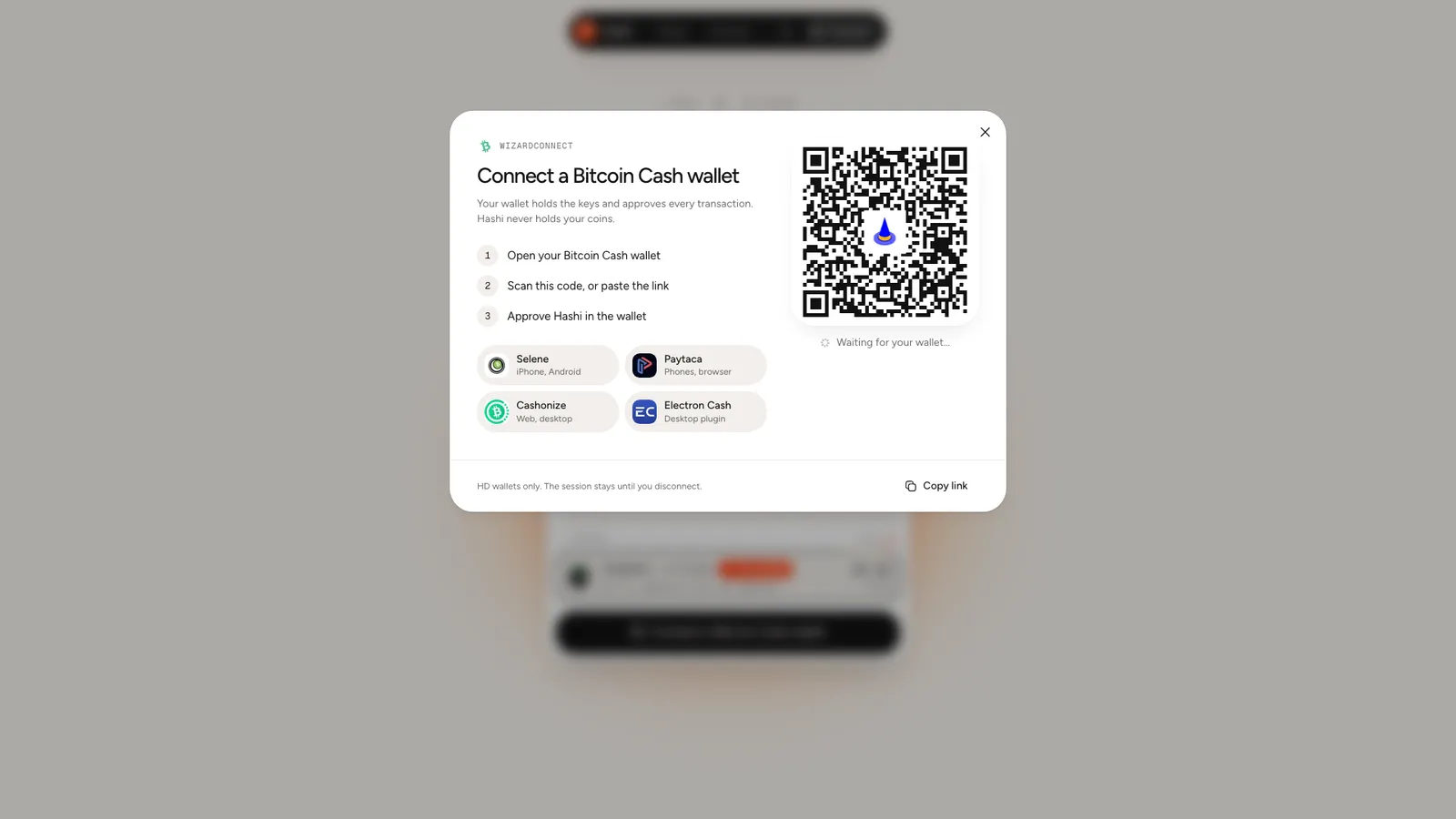
- Open your Bitcoin Cash wallet.
- Scan the code, or paste the link (on a phone: Open wallet app).
- Approve Hashi in the wallet.
The session stays until you disconnect, so a returning visit reconnects without scanning. Your wallet holds the keys and approves every transaction; Hashi only asks.
The wallets menu
Connect in the top bar (or Wallets once connected) lists EVM wallet, Solana wallet and your Bitcoin Cash wallet, each with its short address, a copy button and Disconnect.