The swap screen
One card: what you pay, what you receive, the live routes and one button that walks you through whatever is missing.
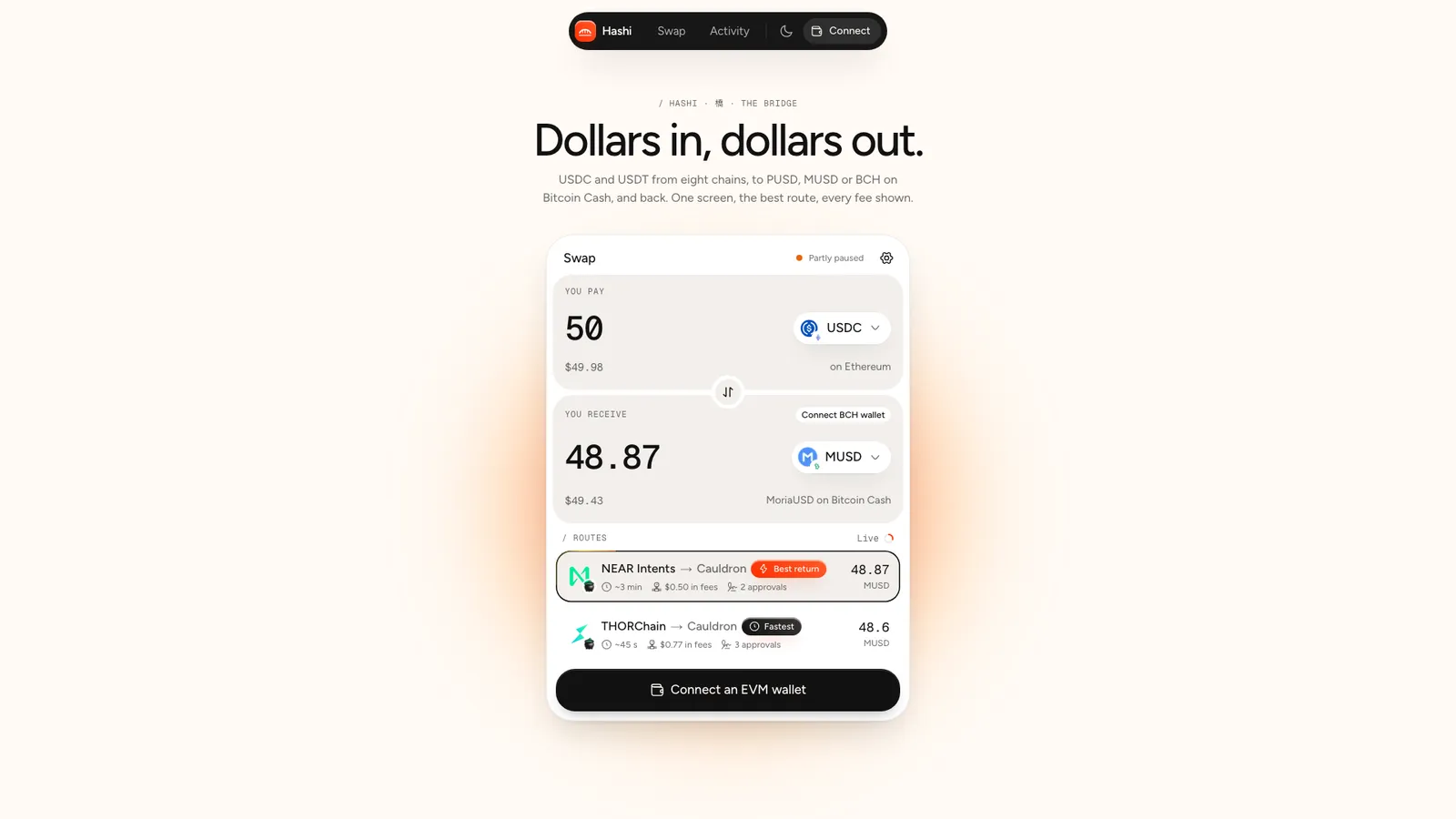
You pay
A big amount field (digits and one decimal point; a comma becomes a point), the token button with its chain badge, the amount in dollars, and once a wallet is connected your balance with Max. While the field is empty, presets fill it: 10 · 50 · 100 for dollar tokens, 0.01 · 0.05 · 0.1 for BCH.
Max is the whole balance, with two exceptions: BCH sent to a bridge keeps back 300 sats for the network fee, and PUSD ⇄ MUSD keeps back Cauldron's 0.1%, which is paid in the sold token on top.
The flip
The round button between the panels turns the swap around and carries the selected route's received amount into You pay. It also clears a custom recipient and your route choice.
You receive
The selected route's amount after every fee, which rolls when a fresh quote lands every 15 seconds and dims while it updates. Beside it, the dollar value and where it lands: your wallet's short address, a custom address, or a Connect BCH wallet chip.
The big button
It always shows the first thing that is missing:
| Label | When |
|---|---|
| Enter an amount | the amount is empty |
| Connect an EVM wallet / Connect a Solana wallet | paying USDC or USDT, or receiving it with no custom address |
| Connect a Bitcoin Cash wallet | anything on the Bitcoin Cash side, unless plain BCH goes to a custom address |
| Check the recipient address | the custom address is not valid |
| Not enough USDC | the amount is above your balance |
| Finding routes… | quotes are on their way |
| the reason, e.g. No route for this pair right now | no route can run |
| Needs 0.00005 BCH for the network fee | PUSD ⇄ MUSD with too little plain BCH |
| Not enough ETH for gas on Base | the paying chain's gas coin is short |
| Review swap | everything is ready |
The header
Swap, the service status dot (Live, Partly paused, Down) and the settings gear, which turns vermilion when your slippage is not the default 1%. The moon or sun in the top bar switches light and dark; until you pick, Hashi follows your device.
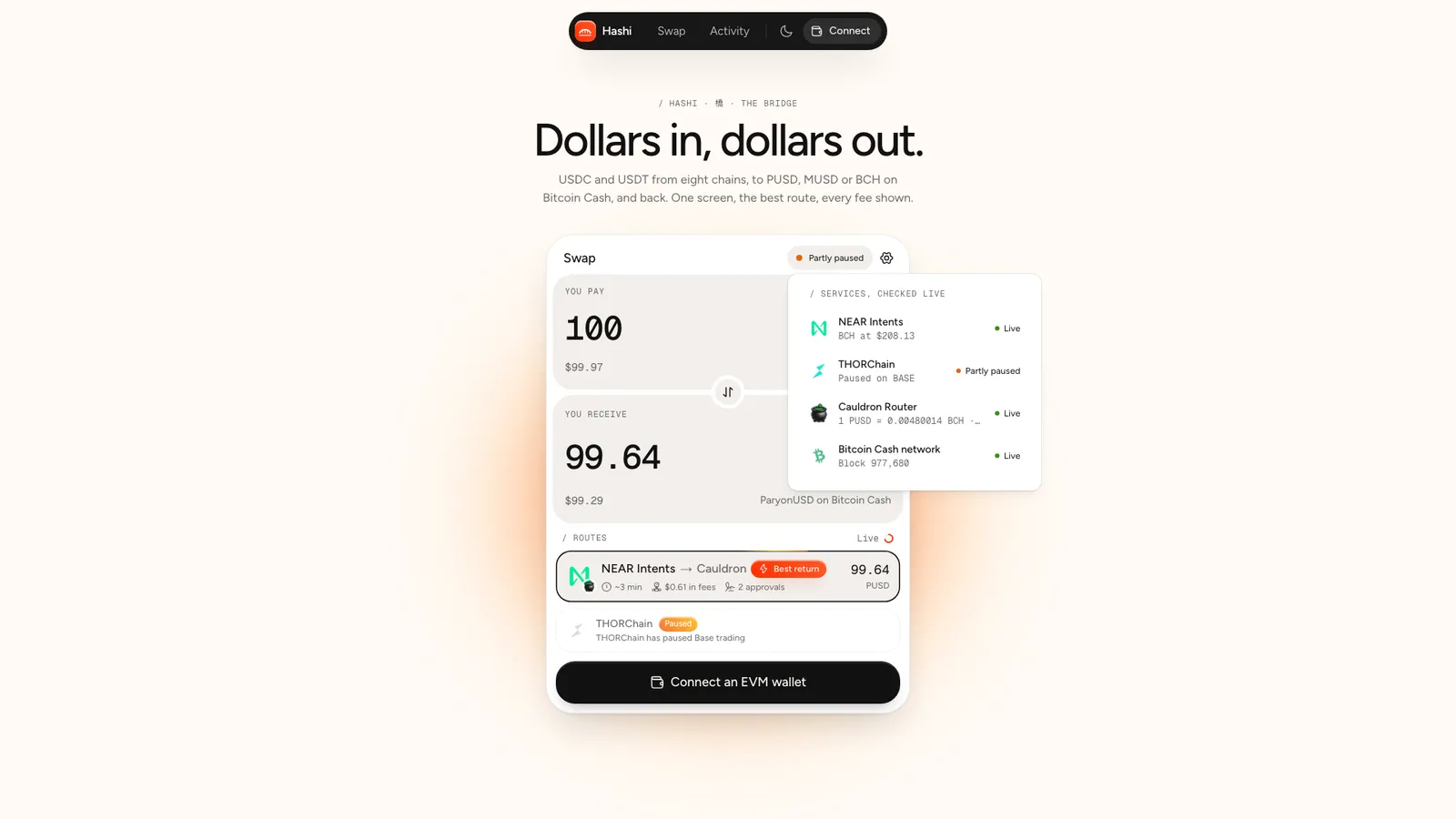
| Row | What it checks | Refresh |
|---|---|---|
| NEAR Intents | the token list (shows the BCH price) | 60 s |
| THORChain | trading halts on BCH, ETH, BASE, BSC, AVAX | 30 s |
| Cauldron Router | a live PUSD quote and its response time | 30 s |
| Bitcoin Cash network | the latest block, read through Electrum | 30 s |